 GTA 6 Dropped Truck
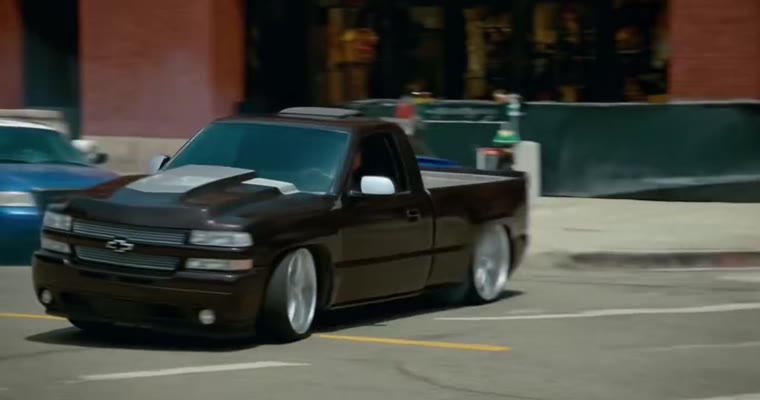
Your truck across every shot
One photo guides the body shape, paint, grille and wheels throughout the downtown burnout.
Your truck. The same downtown drift. Upload one photo to replace the featured pickup.
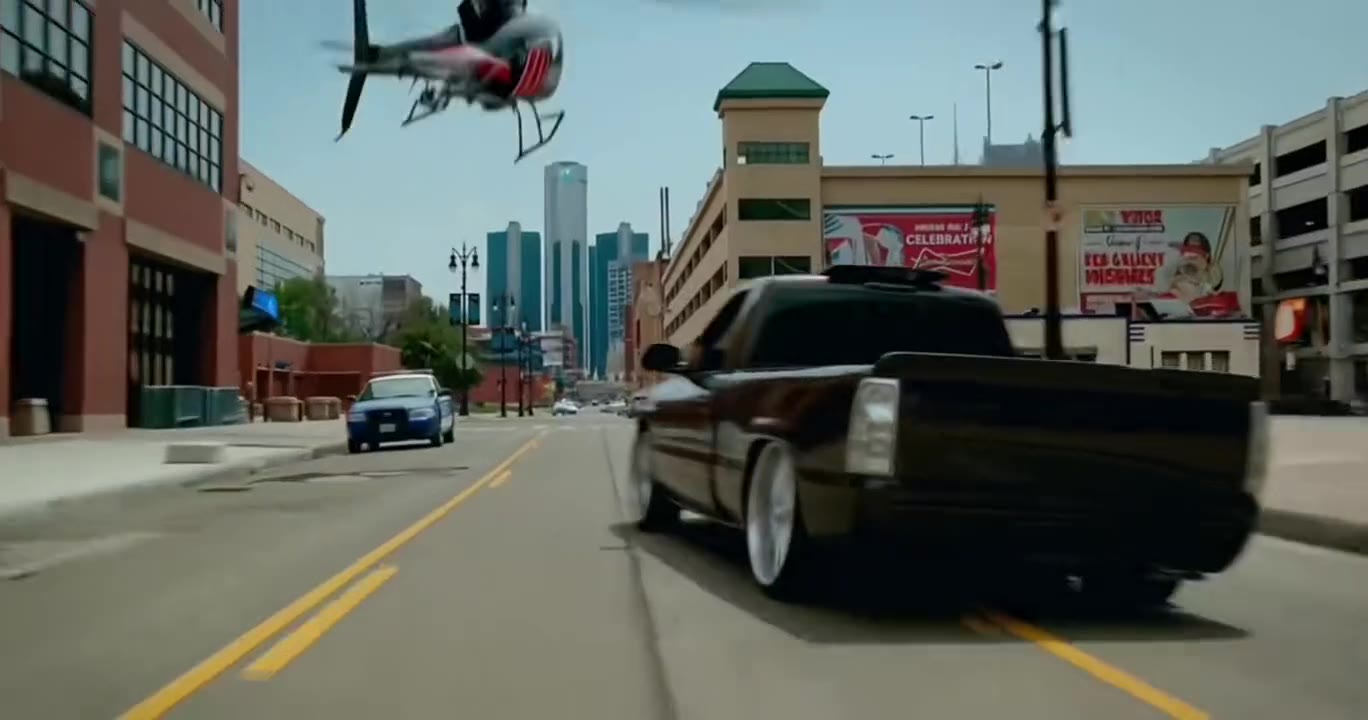
Start with a front three-quarter view in daylight. Keep the hood, wheels and rear bumper inside the frame. Upload one clear photo of your own truck.
The fixed prompt replaces only the featured truck. Output is 720p with the reference video’s framing and duration. Each MP4 costs $6.99. Save your private order link before checkout.
Payment starts the render. You can close the tab and open your private link on another device. Download the MP4 within seven days of completion.
One photo guides the body shape, paint, grille and wheels throughout the downtown burnout.
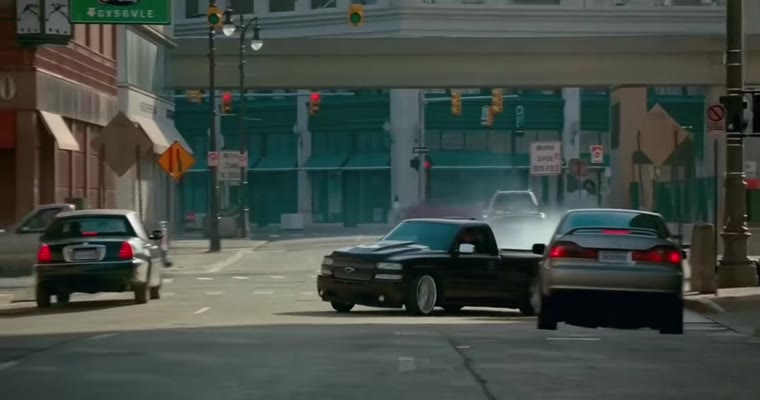
The editing instructions preserve the street, helicopter, other cars, lighting, camera movements and cuts while replacing the featured pickup.
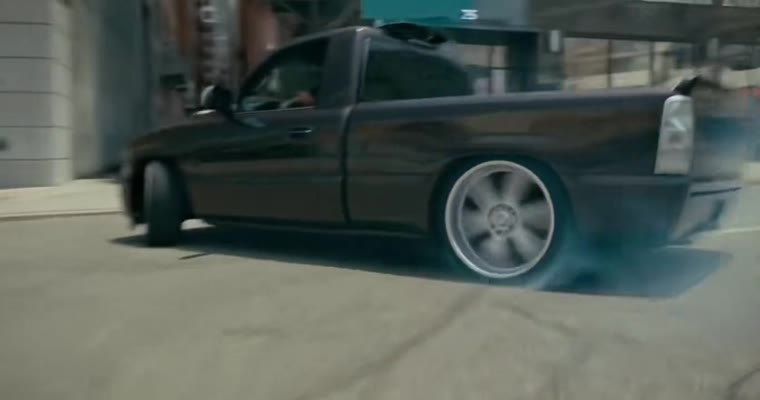
The studio supplies the vehicle-replacement instructions automatically. Upload a clear truck photo to start.
Payment starts processing on the server. Save your private order link to return for the finished MP4.
Use a daylight front three-quarter photo of one truck. Include the roof, grille, wheels and bed. Clear details help the edit preserve your truck’s identity across the shots.
Upload a JPG, PNG or WebP up to 15 MB. Use a photo you own or have permission to use.
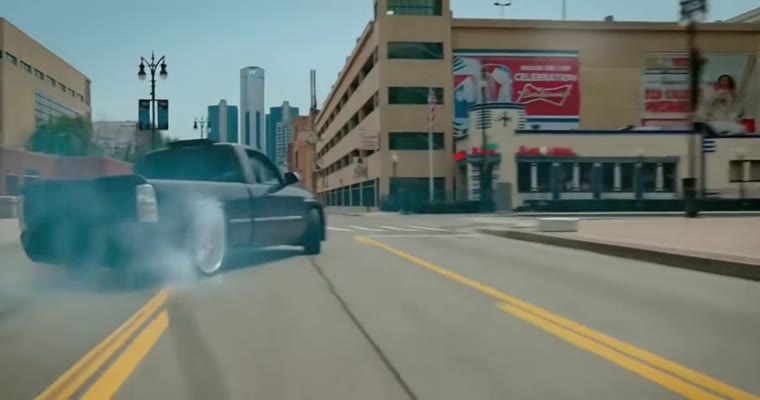
Your image supplies the vehicle identity. The reference video supplies the driving motion, camera angles, scene and timing. The prompt directs the edit to change only the featured black pickup and match its shadows and reflections to the existing light.
AI edits can vary. Check the finished truck and background before sharing your download.
Upload one clear photo of your truck, with the whole vehicle visible.
It is the reference clip for this downtown burnout edit. Your photo supplies the replacement truck.
The instructions replace the main black pickup with your truck and preserve the surrounding scene, camera movement and cuts. Generated results can vary.
The studio uses fixed instructions to keep the edit focused on replacing the truck.
The edit follows the reference video’s landscape framing and approximately 10-second duration. Resolution is 720p.
One generation costs $6.99 USD.
Yes. Rendering continues in the background. Save your private order link before checkout and open it on any device to download the finished video.
Your photo is stored privately and sent to WaveSpeed after payment for video processing. Uploads and completed files are scheduled for deletion after seven days.
GTA 6 Dropped Truck is an independent video studio with no affiliation with Rockstar Games or Take-Two Interactive.